Navigation
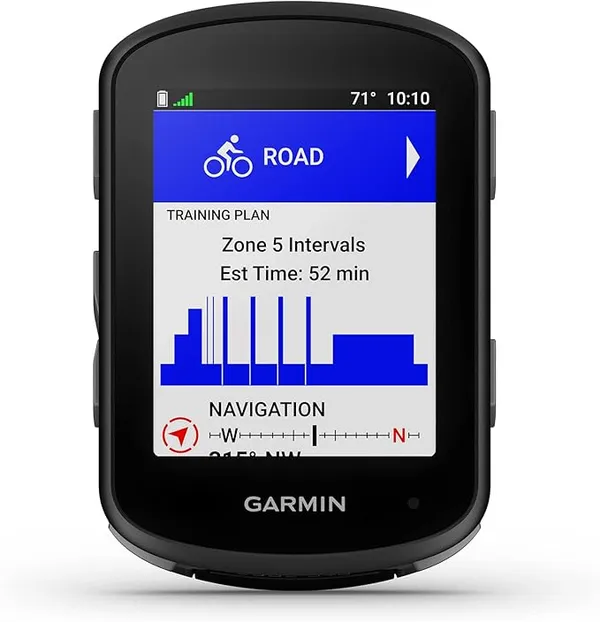
Garmin Edge 540 vs Wahoo ELEMNT ROAM V3 vs iGPSPORT BSC300T
Three bike computers from $173 to $419 compared on battery under navigation, screen legibility, route handling and what you actually lose at each price.
There is a unique type of panic that sets in when you are forty miles deep into a national forest at dusk. Your GPS screen flickers once before going completely black. You look at your phone and see three percent battery remaining.
Suddenly your epic weekend feels like a legitimate survival situation. The usual cause is not a faulty unit. It is map redraws: continuous rendering on a colour screen is the single largest draw on most head units, and it is the setting nobody changes. GPS units are efficient, not magic.
If you are riding twelve hours a day with full sensor connectivity, you are going to run out of juice. Managing your power is not about carrying massive power banks. It is about aggressively reducing your constant burn rate.
The biggest power draw on your unit is not the satellite signal acquisition. It is the backlight and the screen redraws. If you have your backlight set to eighty percent so it looks crisp, you are throwing away half your runtime.
Auto-brightness algorithms are terrible and usually keep the screen far brighter than necessary. Set it to ten percent or completely off, and only bump it up when you are struggling under direct sunlight. Constantly redrawing a complex topographic map screen is taxing on the weak processors inside these units.
Ride on a simple data page showing speed and distance, and swipe to the map only at a tricky intersection or an unmarked fork. If you know the next twenty miles are on a single forest road, set your screen to timeout entirely.
The 4-Day Gravel Kit: What Earns Its Weight and What Doesn't
A complete 4-day gravel kit, ranked by how often you'd actually reach for each item — and honest about which pieces are luxuries you could leave at home.
Do you really need to know your exact cadence and left-right power balance on a four-day gravel tour? Every sensor you pair with your unit causes a constant power draw as the radio struggles to stay connected. If you are struggling with battery life, immediately unpair the heart rate strap and the power meter.
You must also completely disable phone notifications on your head unit. Every time your GPS buzzes to tell you someone liked your Instagram post, it eats a tiny slice of your survival margin. Put your phone in dedicated Airplane Mode immediately at the trailhead.
This stops the phone from desperately searching for nonexistent towers, which is the number one reason phone batteries die in the woods. It also keeps your essential electronics totally isolated from each other.
The Ultimate Bikepacking Gear List for Beginners (2026 Guide)
Everything you actually need for a first multi-day gravel trip in 2026, from bags to sleep systems, with the kit we would skip and why.
Don't let the unit drop below twenty percent before connecting a power bank such as the Anker 10000mAh. Lithium batteries become wildly inefficient and unpredictable at the extreme bottom ends of their charge cycle. If it hits single digits, it might die instantly when the temperature drops.
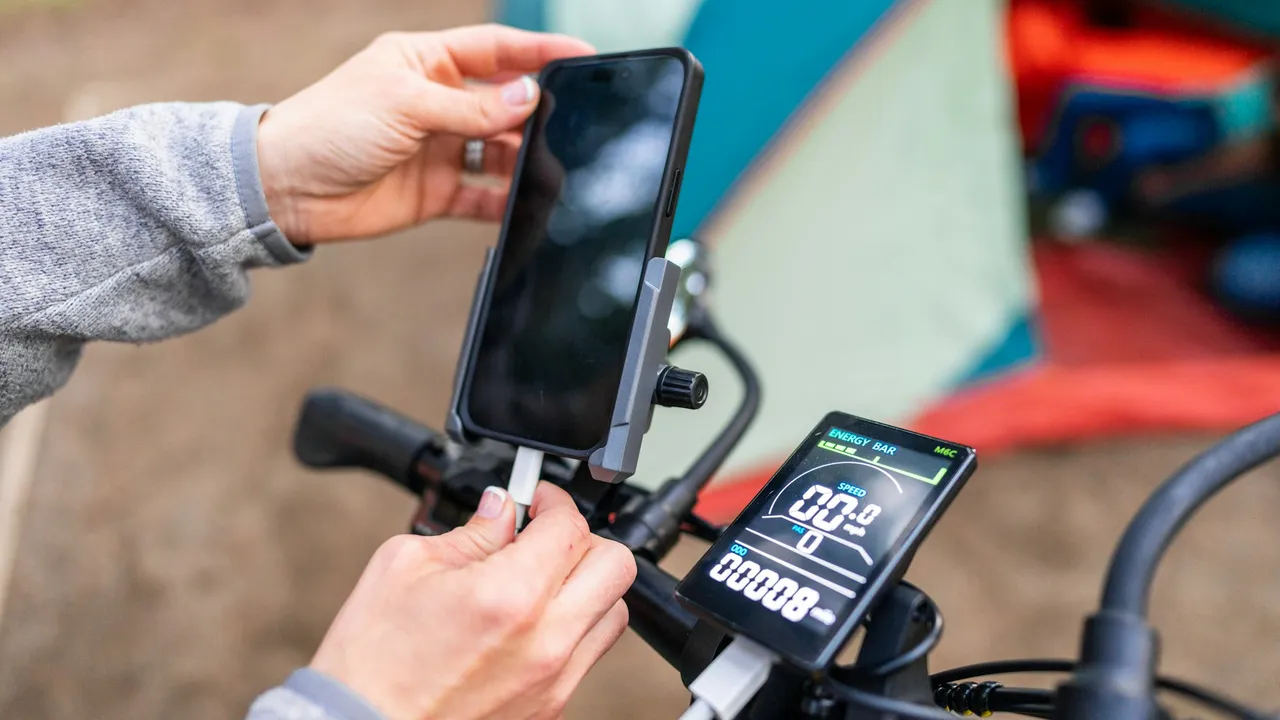
Charging your unit while you ride is fine, but you must be incredibly careful with the USB port. The constant high-frequency vibration of gravel roads can cause a straight cable to wiggle wildly. This microscopic movement will eventually destroy the internal pins of the port and ruin a three-hundred-dollar device.
Use a 90-degree USB cable and lash it to the stem with electrical tape, so there is no tug on the connector — the port is the part that fails. Navigate with ruthless intent, because a dead GPS makes for a very long walk home.
Live tracking, by a distance. Keeping a mobile radio awake and searching in poor coverage can halve runtime on its own. Navigation with full map redraw comes next, then backlight, then recording interval. Dimming the screen while leaving tracking on solves very little.
Cold. Lithium cells lose usable capacity as they cool and report remaining charge inaccurately, so voltage sags under load and the unit reads it as empty. The charge is not gone, it is unavailable at that temperature. Start charging before 20% rather than after.
Usually, but the behaviour on connect and disconnect varies by unit and some split or lose the ride file. Test it on a short local ride before you depend on it, connecting and disconnecting power mid-activity.
A 10,000mAh bank returns roughly 6,000 to 7,000mAh at the port after conversion losses, which covers a GPS and a phone for three to four days of normal use. Beyond that, two smaller banks beat one large one because a failure is not total.
For a day ride it is fine. Across multiple days the phone is also your camera, your contact and your reading light, and navigation flattens it fastest. A dedicated unit means a dead phone is an inconvenience rather than an emergency.
Three bike computers from $173 to $419 compared on battery under navigation, screen legibility, route handling and what you actually lose at each price.
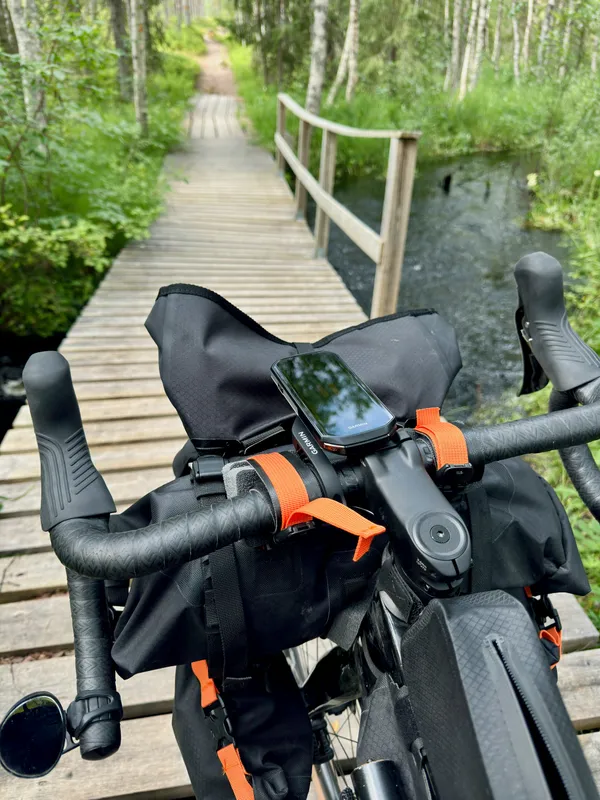
Two touchscreen mapping units with three buttons each, one at about half the price. Rerouting, real battery figures and support record compared.
Bike computers that survive a triple-digit day without dying, plus the radar unit worth the handlebar space. Eight picks from $30 to $419.

GravelPacker is a research desk, not a test lab. We read the spec sheets, the long-run owner reports and the forum threads where things break, then score what survives that reading against a rubric we publish. We say so plainly because a review you can check is worth more than one you have to trust.