On this page

Best GPS for Bikepacking: 8 Units for Long Gravel Days

Battery life is the only specification that matters on a bikepacking GPS, and it is the one every manufacturer quotes under conditions you will never ride in. Screen size and map detail are what you trade to get it.

Published August 3, 2026
Edited by Louis Raveton
When you purchase through links on our site, we may earn an affiliate commission. Here's how it works.
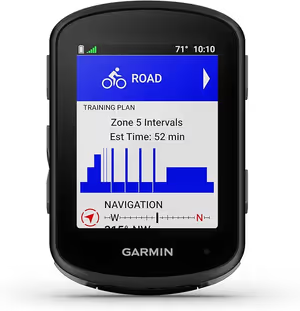
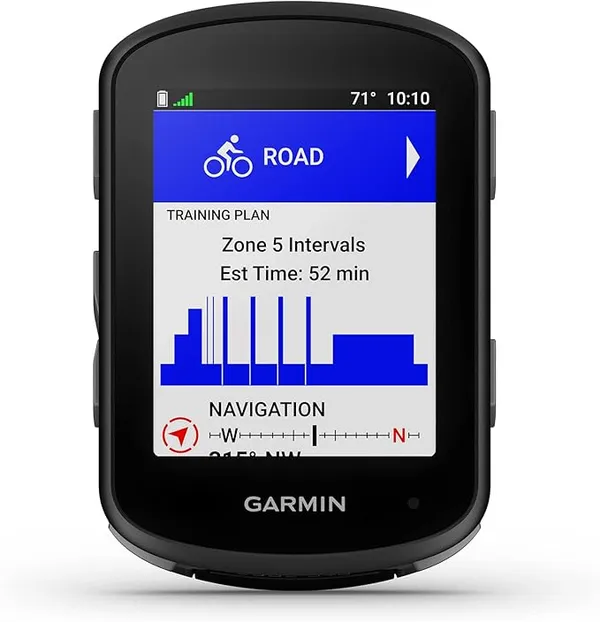
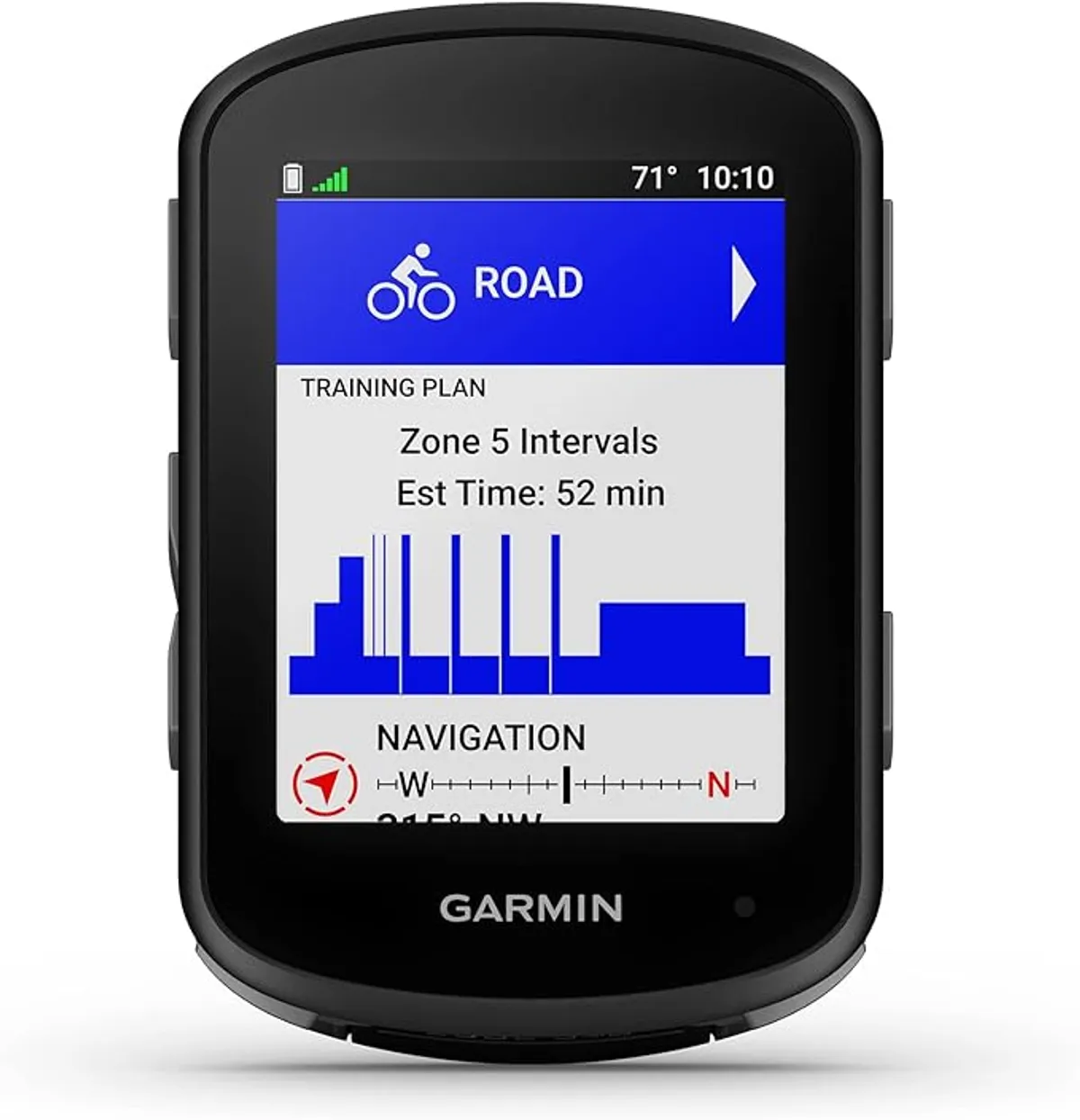
Garmin Edge 540 Cycling Computer, our top pick in Best GPS for Bikepacking: 8 Units for Long Gravel Days

A phone navigates fine until it rains, gets cold, or has to last fourteen hours while also being your camera and your emergency contact. A dedicated unit exists to take that job away from it.

What matters here is claimed runtime against realistic settings, whether the screen is legible in direct sun, and how the unit behaves when a route is recalculated off-course. Mount security on washboard is part of the picture.

Every product below has its own full review on this site, linked from each entry. We earn a commission on some links, and it has no bearing on what appears here or in what order.

Editor's Choice

  • Buttons work in rain and gloves
  • True turn-by-turn routing with rerouting
  • Integrates with Varia radar
$327.99
Checked Aug 2026
Buy on Amazon

Quick Comparison

Sort
Best for Route Navigation
  • Controls Buttons, not touchscreen
  • Navigation Full turn-by-turn with routable maps
  • Battery Long, with battery saver mode
  • Ecosystem Garmin Connect and Varia integration
Best for Route Navigation
  • Screen Large colour, high contrast
  • Setup Phone-first via the Wahoo app
  • Controls Buttons
  • Navigation Turn-by-turn with rerouting
Best for GPS Navigation
  • Display 2.4 inch Touchscreen
  • Battery 20 hours
  • Sensors ANT+ / Bluetooth
  • Feature Turn-by-turn GPX navigation
Best for Route Following
  • Screen 2.4 inch
  • Navigation Route following
  • Connectivity Bluetooth and ANT+
  • Battery Long runtime
Best for Route Navigation
  • Screen 2.4 inch colour touchscreen
  • Navigation Smart navigation
  • Charging Fast charge
  • Connectivity Bluetooth and ANT+
Best for Ride Data
  • Weight 70g
  • Screen 2.0 inch
  • Waterproofing IPX6
  • Battery 1200mAh
Best for Road Safety
  • Detection_Range 140 metres
  • Battery_Life 6h (day flash + radar)
  • Water_Rating IPX7
  • Visibility 1 mile in daylight
Best for Offline Maps
  • Screen 3.3 inch touchscreen
  • Navigation Offline maps with voice prompts
  • Connectivity Bluetooth and ANT+
  • Use_Case Bike and ebike

Our Recommendations

Garmin // Best For Route Navigation //
4.4 (533 ratings at the retailer)

Garmin Edge 540 Cycling Computer
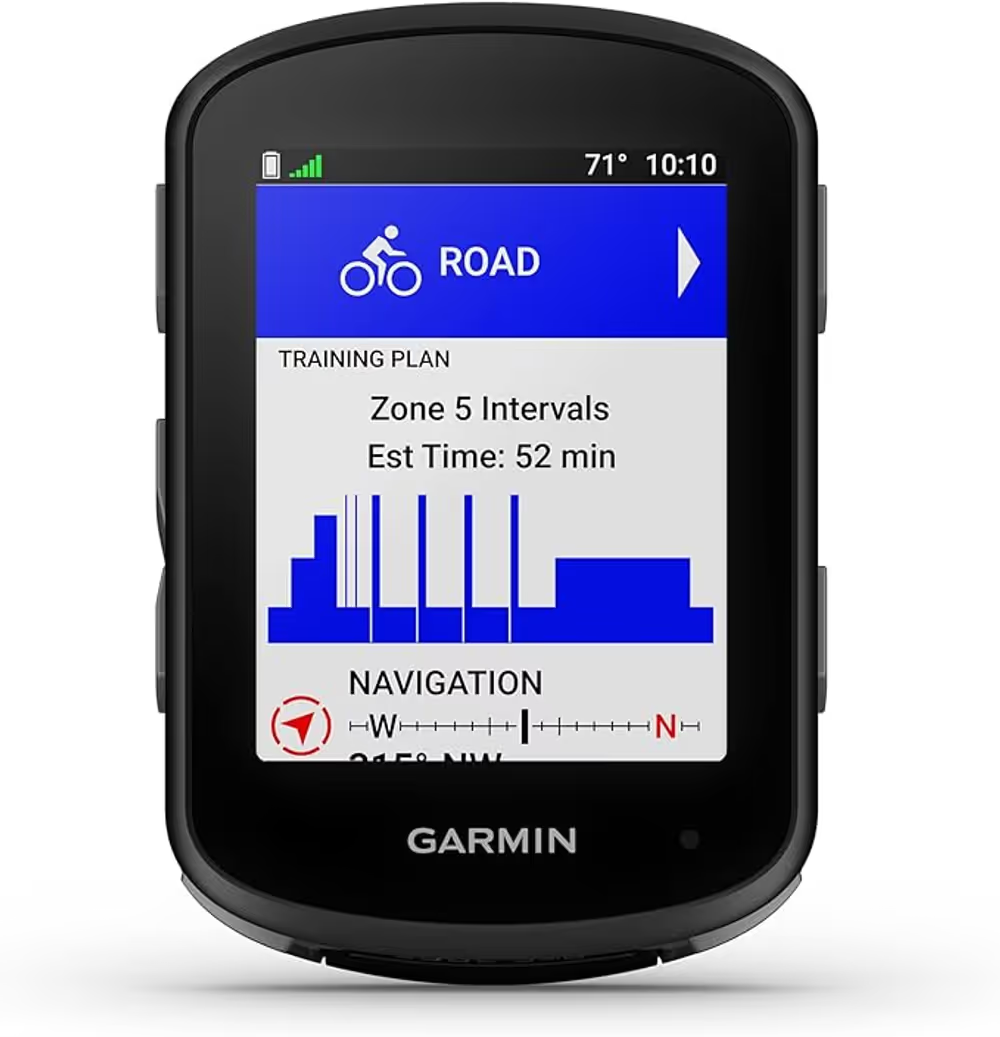
Product shot of Garmin Edge 540 Cycling Computer by Garmin
Best For Route Navigation

Tech Specs

Controls
Buttons, not touchscreen
Navigation
Full turn-by-turn with routable maps
Battery
Long, with battery saver mode
Ecosystem
Garmin Connect and Varia integration
Buttons work with cold wet fingers, which is when you need the map most.

Touchscreens fail in exactly the conditions where navigation matters. Wet fingers, thick gloves and driving rain all defeat capacitive screens, and a device you cannot operate is worse than no device because you stop to fight it. Buttons work regardless, which is the strongest argument for the 540 over its touchscreen siblings.

Read the full review

Garmin's routing is the other reason people pay this much. Turn-by-turn on routable maps, rather than a breadcrumb line you follow by eye, is the difference between navigating and guessing at a junction. Course rerouting when you go wrong is where cheaper units drop out entirely.

It also pairs with the Varia radar, which for anyone linking gravel sectors with road miles is a genuine safety feature rather than a gadget, putting approaching traffic on the same screen you are already looking at. That integration is a real part of what the price buys and it is not something the budget units can replicate.

The objection is straightforward. It costs five times the competent budget units, and for a rider who mostly follows a pre-loaded GPX on known roads the extra buys convenience rather than capability. Battery life is strong but not class-leading, and the screen is small if maps are your main use.

Full review, score breakdown & specs

The Verdict

The dependable choice if you can absorb the price. Button control and Garmin's routing are worth real money on a route you do not know.

GravelPacker score How we score
4.4/5
Durability
4.5
Performance
4.5
Usability
4.5
Value
4
  • Buttons work in rain and gloves
  • True turn-by-turn routing with rerouting
  • Integrates with Varia radar
$327.99
Checked Aug 2026
Buy on Amazon

The Good

  • + Buttons work in rain and gloves
  • + True turn-by-turn routing with rerouting
  • + Integrates with Varia radar
  • + Mature ecosystem and long support life

The Bad

  • Five times the price of capable budget units
  • Small screen for map reading
  • Overkill for following a pre-loaded GPX
Wahoo // Best For Route Navigation //
3.9 (244 ratings at the retailer)

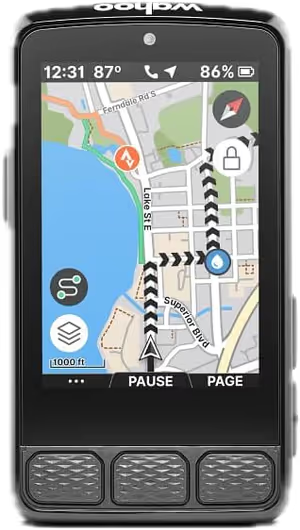
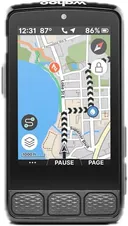
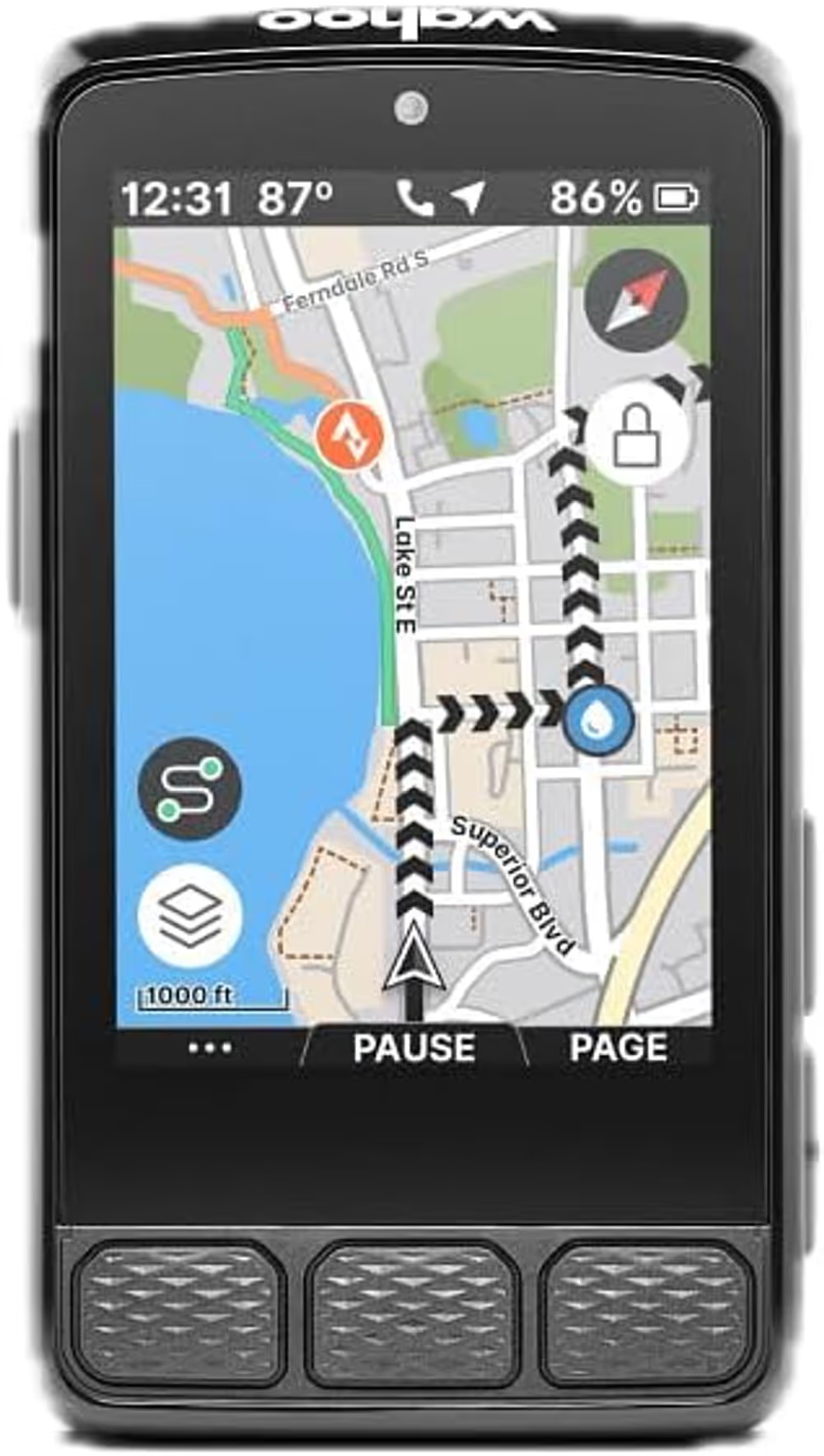
Wahoo ELEMNT ROAM V3 Cycling Computer

Product shot of Wahoo ELEMNT ROAM V3 Cycling Computer by Wahoo
Best For Route Navigation

Tech Specs

Screen
Large colour, high contrast
Setup
Phone-first via the Wahoo app
Controls
Buttons
Navigation
Turn-by-turn with rerouting
The biggest usable screen, configured from a phone instead of a menu tree.

Configuration is where cycling computers lose people. Garmin's depth comes with a menu tree that has to be navigated on a small screen with buttons, and Wahoo's answer is to move all of it into a phone app where a real keyboard and a big display make it quick. For riders who change data fields between trips, that difference compounds.

Read the full review

The screen is the other half. It is larger and higher contrast than the equivalent Garmin, which matters when a map is the thing you are reading rather than a number. In bright sun and at a glance it is the easiest unit here to read.

Navigation covers turn-by-turn with rerouting, which puts it in the same functional class as the Edge 540 rather than the budget route-followers, and it will compute a way back when you leave the course. Battery life is long enough for genuine multi-day use between charges, which is the specification that matters on a tour.

The price is the problem, and the rating reflects a mixed reception: at over four hundred dollars buyers expect everything, and the ROAM's feature set is deliberately narrower than Garmin's. If you want training analytics rather than navigation, this is the wrong device at the wrong price.

Full review, score breakdown & specs

The Verdict

Easier to live with than a Garmin and more expensive than one. The screen and the phone-first setup are the reasons to choose it, not the spec sheet.

GravelPacker score How we score
4.0/5
Durability
4
Performance
4
Usability
4.5
Value
3.5
  • Largest, highest-contrast screen here
  • Setup and data fields configured from the phone
  • Turn-by-turn navigation with rerouting
$418.76
Checked Aug 2026
Buy on Amazon

The Good

  • + Largest, highest-contrast screen here
  • + Setup and data fields configured from the phone
  • + Turn-by-turn navigation with rerouting

The Bad

  • The most expensive unit on this list
  • Narrower feature set than Garmin at the price
  • Mixed owner reception in recent reviews
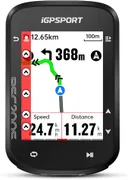
iGPSPORT // Best For GPS Navigation

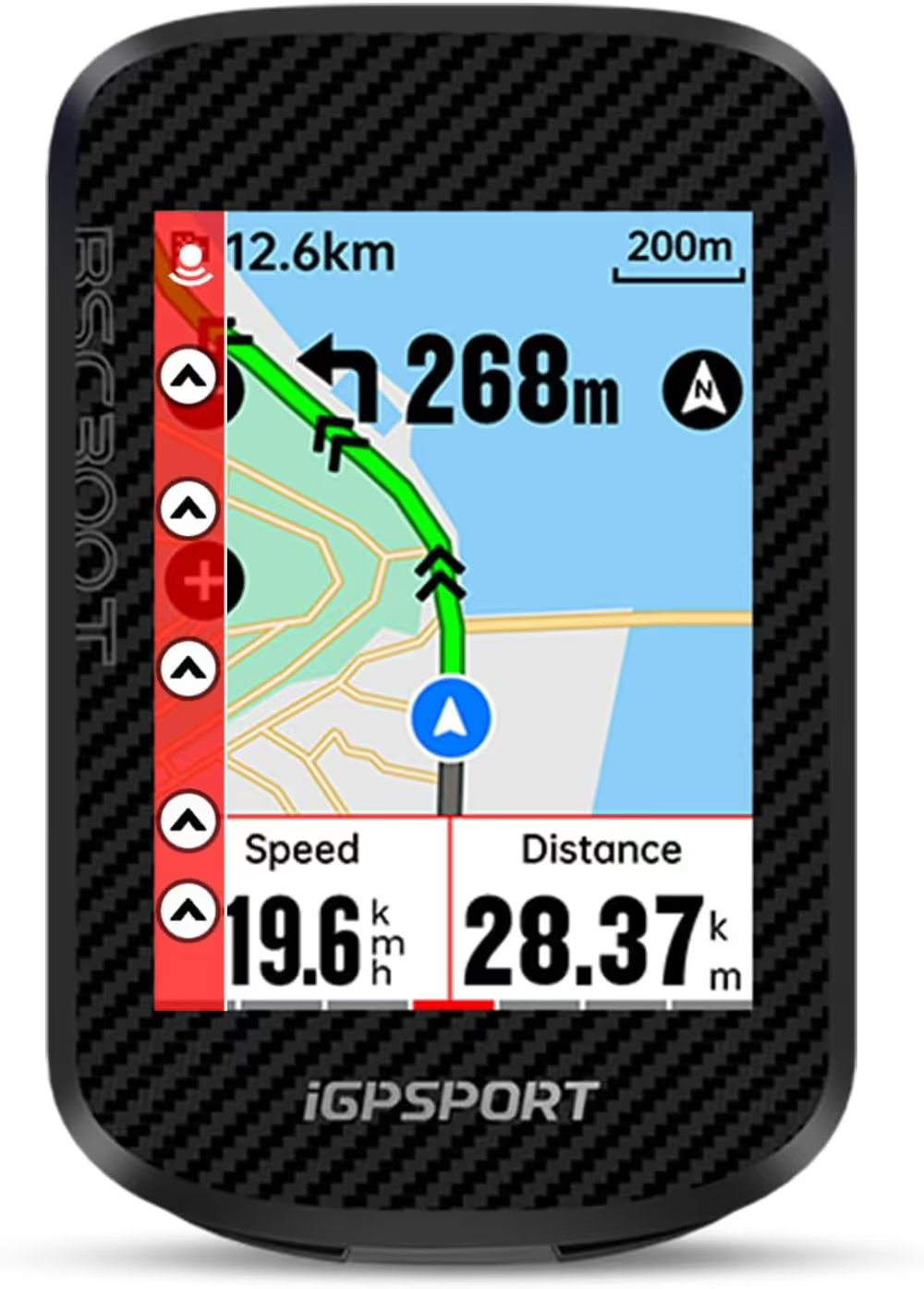
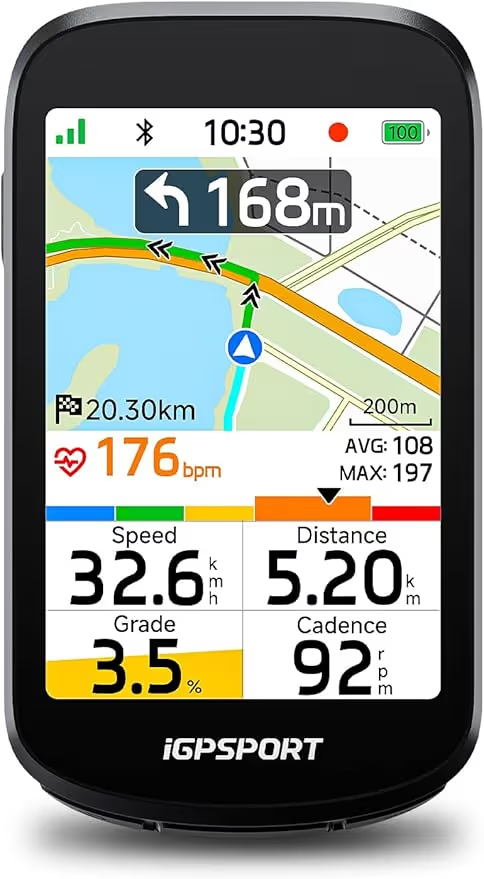
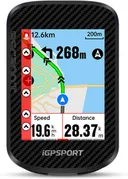
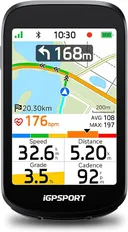
iGPSPORT BSC300T GPS Computer

Product shot of iGPSPORT BSC300T GPS Computer by iGPSPORT
Best For GPS Navigation

Tech Specs

Display
2.4 inch Touchscreen
Battery
20 hours
Sensors
ANT+ / Bluetooth
Feature
Turn-by-turn GPX navigation
Touchscreen navigation with 20-hour battery for under £100. Garmin, take note.

At roughly half the price of a Garmin Edge 540, the BSC300T delivers a surprisingly competent navigation experience. The 2.4-inch touchscreen is sharp and responsive, and the turn-by-turn navigation with GPX route import works reliably for following pre-planned gravel routes. It syncs with both ANT+ and Bluetooth sensors (heart rate, cadence, power), making it compatible with virtually any sensor ecosystem you already own. This high-quality gear is designed specifically for the rigors of multi-day bikepacking adventures across varying terrain. It represents a solid investment for anyone looking to build a reliable and ultralight setup without compromising on essential features or durability.

Read the full review

The standout feature for bikepackers is the 20-hour battery life, which means you can ride for two full days without needing to charge. The mapping isn't as detailed as Garmin's, but for following a GPX breadcrumb trail on gravel roads, it's more than adequate. The build quality feels solid, with a clear screen that's readable in direct sunlight. For anyone who wants GPS navigation but can't justify £300+ for a Garmin, this is the answer.

The Verdict

The budget GPS computer that actually delivers. Half the price of Garmin, 80% of the features.

GravelPacker score How we score
3.9/5
Durability
3.5
Performance
4
Usability
3.5
Value
4.5
  • 20-hour battery life
  • Touchscreen navigation
  • ANT+ and BLE compatible
$172.99
Checked Aug 2026
Buy on Amazon

The Good

  • + 20-hour battery life
  • + Touchscreen navigation
  • + ANT+ and BLE compatible

The Bad

  • Maps less detailed than Garmin
  • Touchscreen laggy when wet
  • Mount feels cheap

Also rated

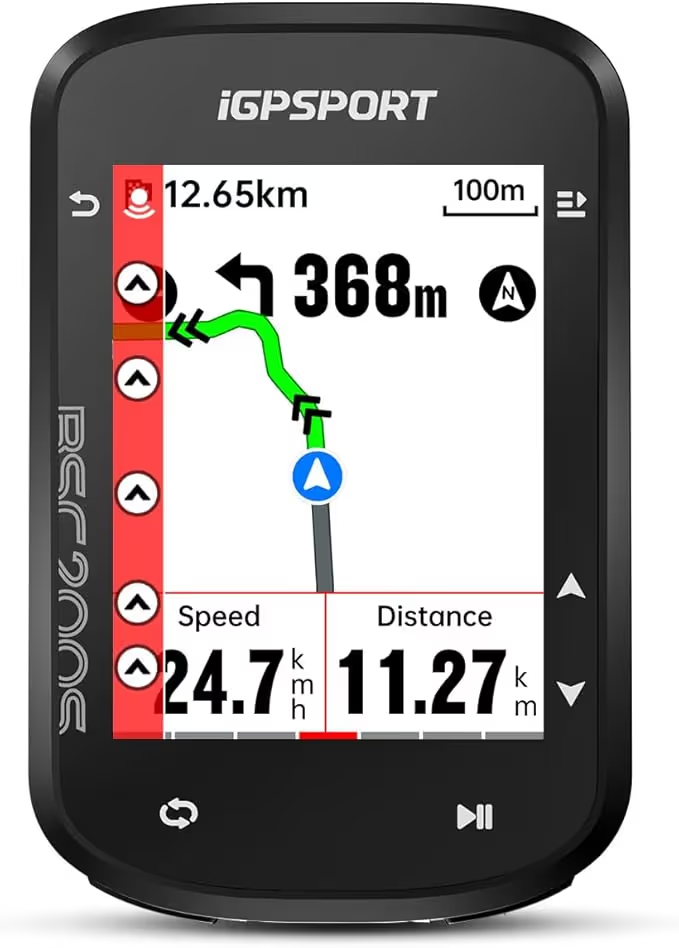
4. iGPSPORT

iGPSPORT BSC200S Bike Computer

4.1 /5

The BSC200S is the point on the budget curve where a cycling computer stops just counting and starts helping you find your way.

Screen
2.4 inch
Navigation
Route following
Connectivity
Bluetooth and ANT+
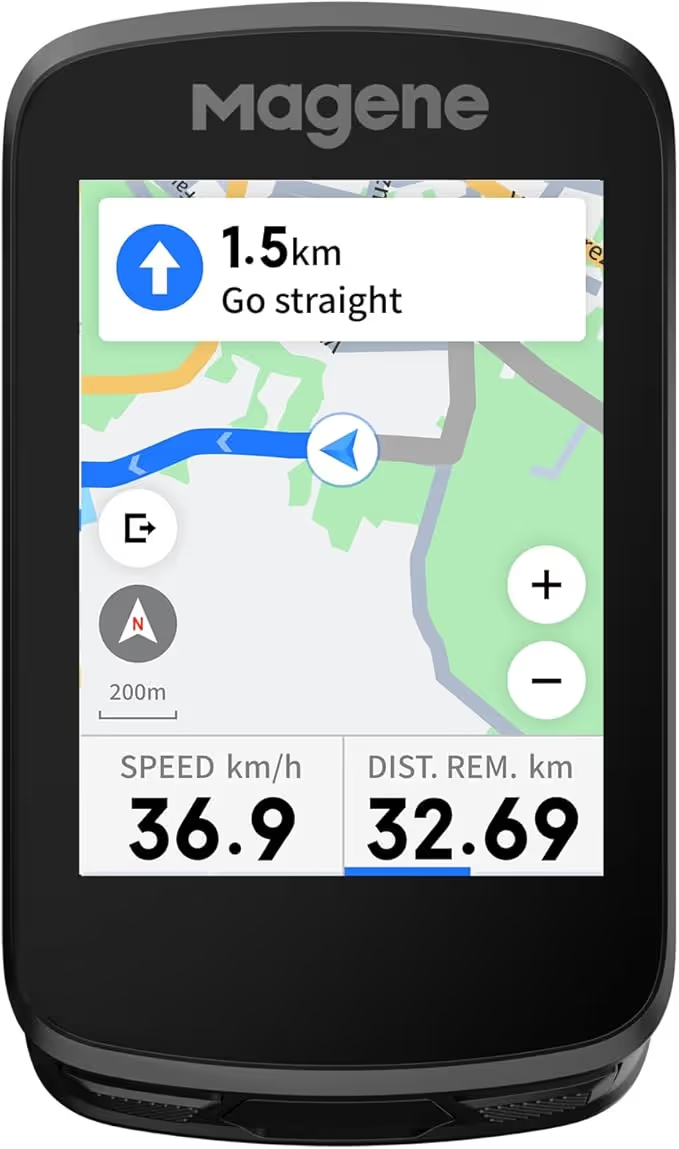
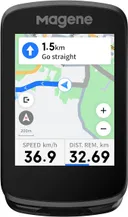
5. Magene

Magene C506 GPS Bike Computer

3.9 /5

The C506 sits between the route-following budget units and the mapping devices, and it does it with a colour touchscreen rather than buttons.

Screen
2.4 inch colour touchscreen
Navigation
Smart navigation
Charging
Fast charge
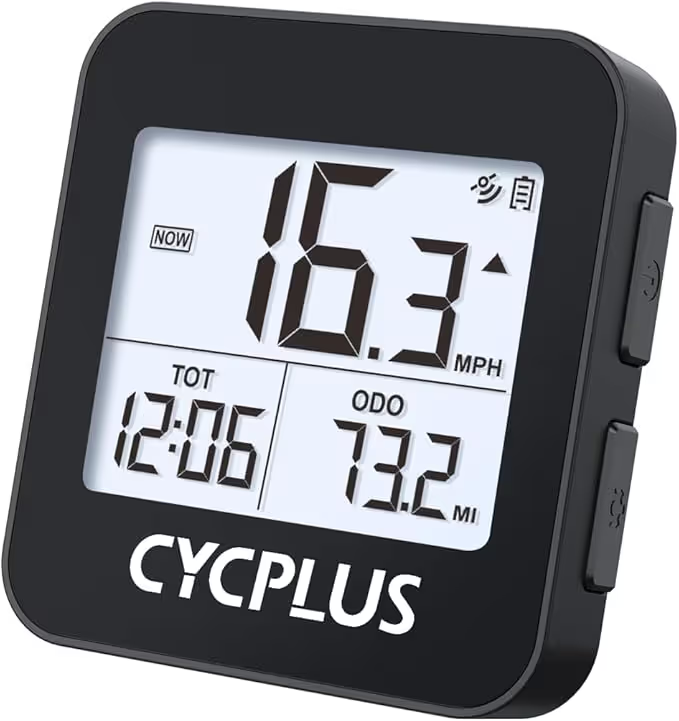
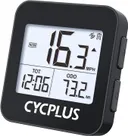
6. CYCPLUS

CYCPLUS G1 Wireless GPS Bike Computer

3.9 /5

The G1 does not navigate, and pretending otherwise is how people end up disappointed. What it does is record and display, cheaply and reliably.

Weight
70g
Screen
2.0 inch
Waterproofing
IPX6
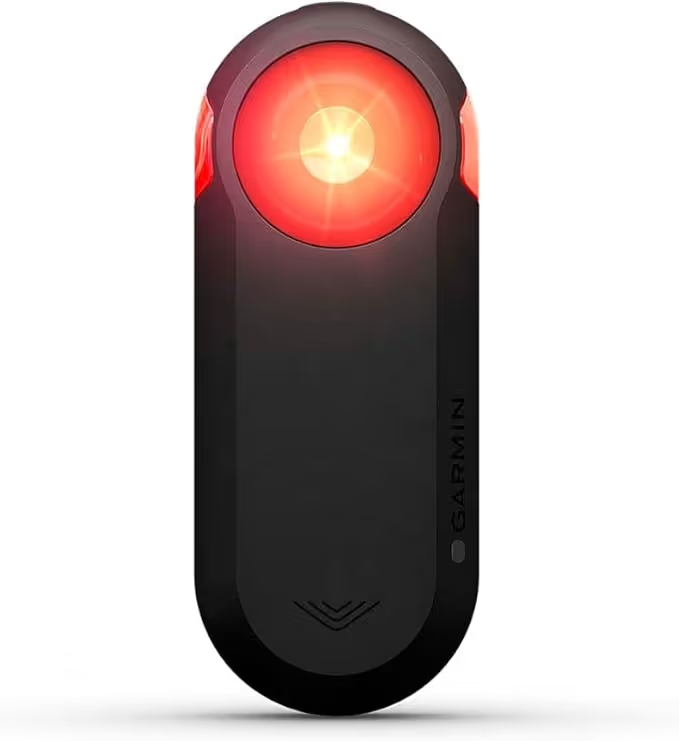
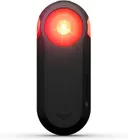
7. Garmin

Garmin Varia RTL515 Radar Tail Light

4.3 /5

The piece of gear that legitimately changes how safe you feel on fast rural roads. Radar tail lights sound gimmicky until you actually use one.

Detection_Range
140 metres
Battery_Life
6h (day flash + radar)
Water_Rating
IPX7
8. iGPSPORT

iGPSPORT BSC500 GPS Bike Computer

4.1 /5

The BSC500 is iGPSPORT reaching for the mapping units rather than undercutting them, and on paper it closes most of the gap.

Screen
3.3 inch touchscreen
Navigation
Offline maps with voice prompts
Connectivity
Bluetooth and ANT+
Buying Advice

What to look for

Runtime is the specification

Quoted battery figures assume a dim backlight, no live tracking and infrequent recording. Assume you will get somewhere between half and two thirds of the headline number on a real day.

A unit that lasts a full day of riding plus a margin is worth more than one with better maps that needs charging at lunch.

Maps or breadcrumb

A breadcrumb unit shows your line and nothing else, which is enough if your route is planned and loaded. It is smaller, cheaper and lasts far longer between charges.

A full mapping unit lets you reroute when a track is closed or a bridge is out, which on remote gravel happens more than the planning suggests.

Screen legibility beats screen size

A transflective display readable in direct sun is more useful than a larger, brighter one you have to shade with a hand. Colour is nice and costs battery.

Charging while riding

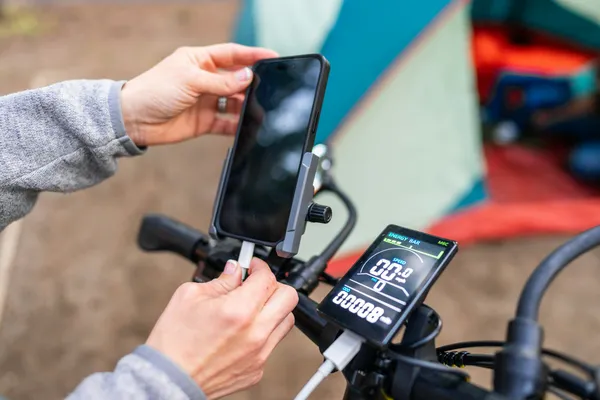
Check whether the unit charges from a power bank while recording without dropping the ride file. Some do this cleanly, some restart the activity, and finding out on day three is unpleasant.

Radar is a separate decision

A rear radar unit is not navigation, but it occupies the same handlebar and battery budget. On gravel routes with road link sections it changes how much attention you spend looking behind you.

Methodology

How we chose

How these were chosen

A desk selection from published specifications and the consistent gap between quoted and real-world battery figures.

Runtime claims are read as best-case: manufacturers quote them at a dim backlight, with no live tracking and infrequent recording. Picks assume somewhere between half and two thirds of the headline number at settings a rider would genuinely use, which is a widely reported pattern rather than a measurement taken here.

Screen technology, mapping capability and charging behaviour are read from the specification. Where a unit is known to split ride files when power is connected, the individual review says so.

Q&A

Frequently Asked Questions

Can I just use my phone for bikepacking navigation?

For a day, yes. Across multiple days a phone is also your camera, your contact and your reading light, and navigation is the fastest way to flatten it. A dedicated unit exists so that a dead phone is an inconvenience rather than an emergency.

Do I need maps or is a breadcrumb enough?

A breadcrumb is enough if your route is planned, loaded and unlikely to change. Maps earn their cost and battery on remote routes where tracks get closed or washed out and you need to find another way through.

How much battery life do I actually need?

Enough for your longest planned day plus about a third. Quoted figures assume settings you will not ride at, so treat roughly half to two thirds of the headline number as the working figure.

Can I charge a GPS while it is recording?

Most units allow it, but some restart the activity or split the file when power is connected or lost. Test it on a short local ride before you rely on it on a tour.

Is a radar unit worth the handlebar space?

On gravel routes that link together on open roads, many riders find it changes how much attention they spend looking behind them. On pure off-road routes it is weight and battery for little return.

Reviewer

The GravelPacker Desk

GravelPacker is a research desk, not a test lab. We read the spec sheets, the long-run owner reports and the forum threads where things break, then score what survives that reading against a rubric we publish. We say so plainly because a review you can check is worth more than one you have to trust.