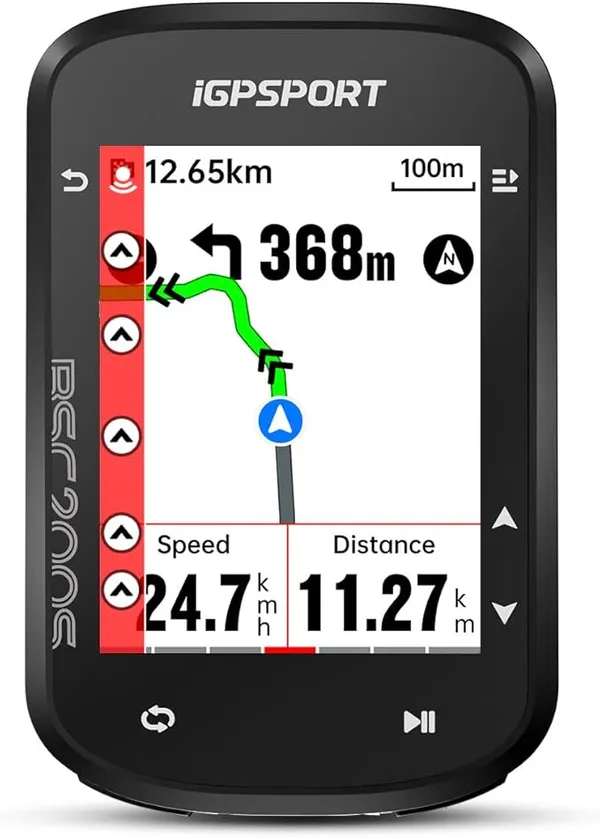
Navigation
Best Budget GPS Bike Computers: What Each One Gives Up Against a Garmin
Five head units from $30 to $150, ranked on the one thing each trades away against a $328 Garmin Edge 540: the map, rerouting, buttons or battery.
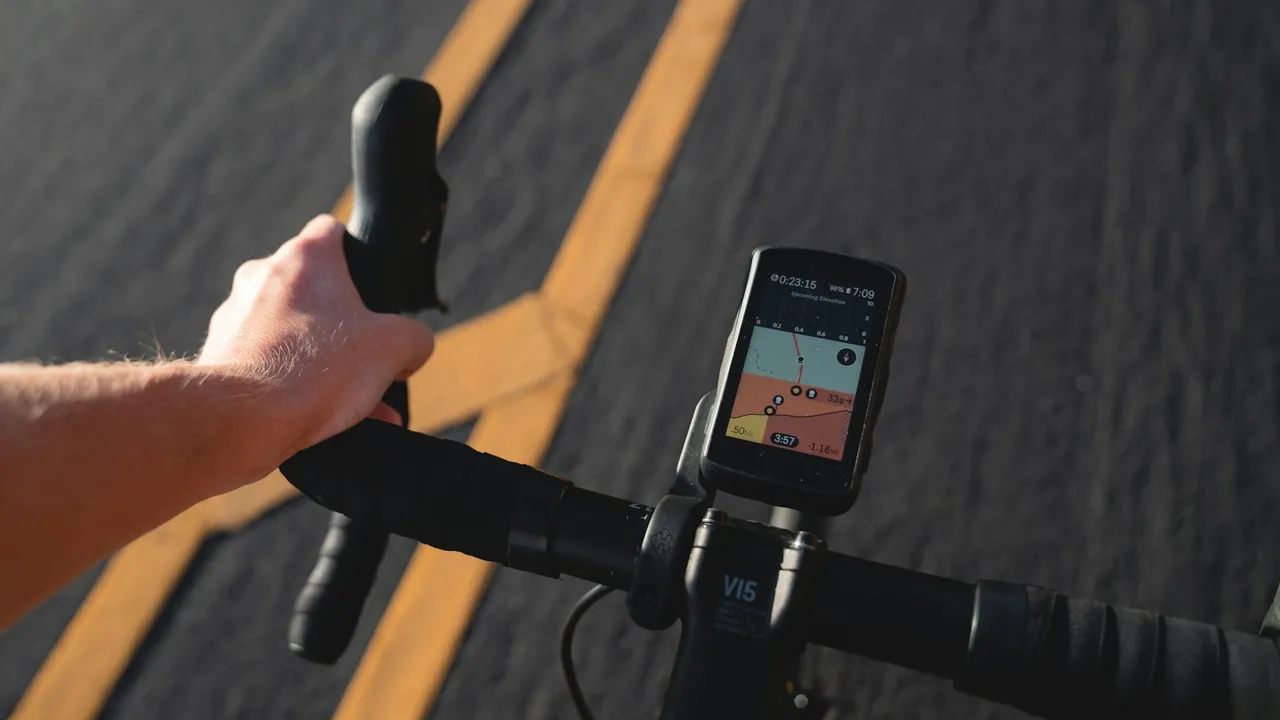
Three head units, three price points, and the spec that matters most for bikepacking does not follow the money at all:
| Unit | Battery | Screen | Weight | Price |
|---|---|---|---|---|
| iGPSPORT BSC300T | 20 hours | 2.4in touchscreen | — | $109.90 |
| Wahoo Elemnt Roam v2 | 17 hours | 2.7in, 64 colour | — | $399.99 |
| Garmin Edge 130 Plus | 12 hours | 1.8in | 33g | $199.99 |
The cheapest unit lasts the longest. The most expensive lasts nearly as long. The mid-priced one lasts barely half.
For a training ride that ordering is irrelevant — everything here survives a four-hour Sunday. For bikepacking it inverts the usual advice, because battery life is not one spec among several. It is the spec that decides whether the device works on day three.
At roughly six riding hours a day, which is a realistic touring figure once you account for stops:
The useful threshold is two full days, because that is what buys you a missed charge. Camp with no power, arrive somewhere without a socket, power bank flatter than you thought — with two days of headroom none of that ends your navigation. With 12 hours it ends it immediately.
That is why the Edge 130 Plus is a great training computer and an awkward touring one, despite being the lightest unit here at 33g and from the brand with the best reputation.
Why Your GPS Died: Managing Power for Triple-Digit Days
Navigation failure is a major risk on long gravel routes. Learn how to stretch your GPS battery life for triple-digit days and manage your power effectively.

The Wahoo's $290 premium over the iGPSPORT is real, it is just not battery:
Whether that is worth $290 depends on how you navigate. If you plan a GPX at home and follow it, the cheap unit does that job with more battery. If you improvise routes and want the device to recalculate when you take an interesting-looking turn, the expensive one earns its money.
What you should not do is buy the expensive one expecting it to be the better touring device by default. On the spec that ends trips, it is not.
A phone will navigate. The reason to carry a dedicated unit is not accuracy or features — it is that turn-by-turn navigation is the most power-hungry thing a phone does, and the phone is also your camera, your map, your emergency contact and your evening entertainment.
Draining it on navigation is spending your most valuable battery on the one job a $110 device does better. That is the whole argument, and it is a good one.
A reasonable middle path on shorter trips: navigate on the phone with the screen off and audio cues on, which cuts consumption sharply. It stops being reasonable the moment you need to look at a map in the rain.
Two routes, and the crossover is clear.
Power bank. A 10,000mAh unit is roughly $22 and 180g, and will fully recharge a head unit several times over with plenty left for a phone. For two or three trips a year this is the answer, and it is not close.
Dynamo hub. Permanent, elegant, and expensive: around $237 and 376g for the hub alone, before you have paid anyone to build it into a wheel. It also produces nothing below roughly 12km/h, so on a slow loaded climb it is not charging. For someone riding long routes repeatedly it is the definitive fix; for anyone else it is a lot of money to avoid carrying 180g.
What Does a Complete Bikepacking Setup Actually Weigh?
Two complete overnight kits, itemised from product weights: 5.15kg for $413, or 4.67kg for $581. The interesting part is where the weight actually sits, and it is not where most people look.
Enough for two full riding days, so you are never dependent on charging every single night. At six riding hours a day that means 12 hours minimum and 20 is comfortable — which is a very different requirement from a training ride.
Not on the spec that matters most. In our catalogue the cheapest unit has the longest battery life and the most expensive has less. Price buys screen, mapping and ecosystem, none of which help when the unit is flat.
For a day, yes. For multi-day, the problem is that the phone is also your camera, your map, your emergency contact and your entertainment, and turn-by-turn navigation is the most power-hungry thing it does. A dedicated unit exists mostly to stop navigation draining the device you cannot afford to lose.
It solves it permanently, at a cost. A dynamo hub is around $237 and 376g before wheel building, and it only charges above roughly 12km/h. For repeated long trips it is the definitive answer; for two trips a year a power bank is far better value.
Continuous map rendering on a colour screen, by a wide margin. Riding on a data page and only switching to the map at junctions can extend real-world life substantially, and it is free.
Five head units from $30 to $150, ranked on the one thing each trades away against a $328 Garmin Edge 540: the map, rerouting, buttons or battery.
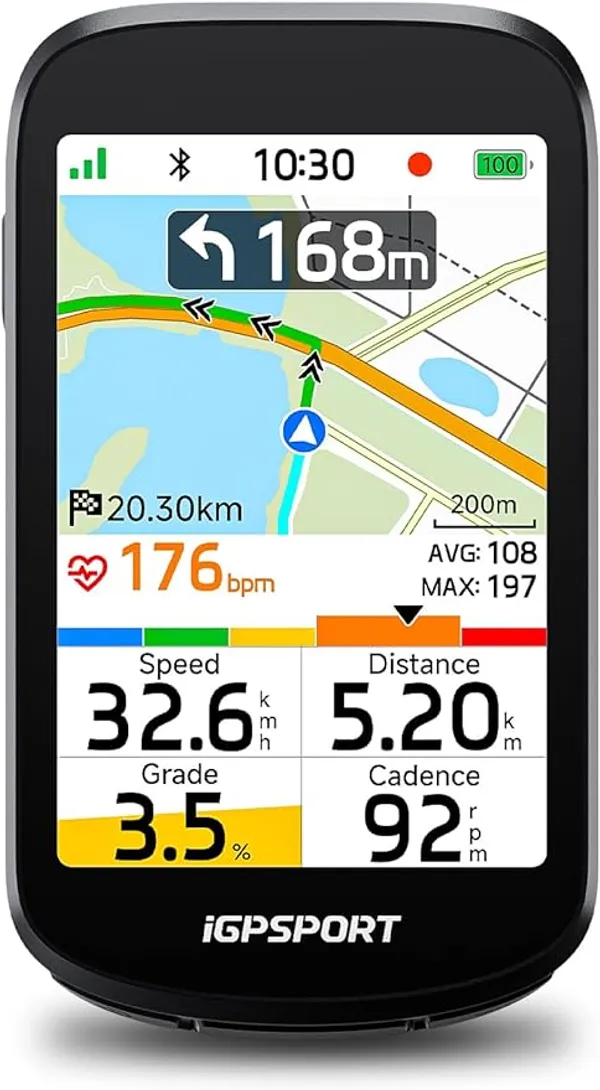
One reroutes, one shows a map but cannot reroute, one follows a line for under half the price. Specs from iGPSPORT, August prices and a clear pick.
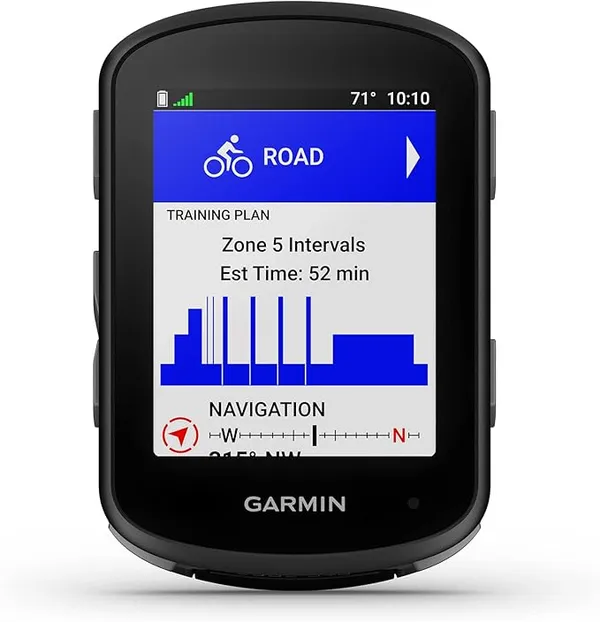
Three bike computers from $173 to $419 compared on battery under navigation, screen legibility, route handling and what you actually lose at each price.

GravelPacker is a research desk, not a test lab. We read the spec sheets, the long-run owner reports and the forum threads where things break, then score what survives that reading against a rubric we publish. We say so plainly because a review you can check is worth more than one you have to trust.